
How I Create Real Estate Videos for Multiple Platforms Without Burning Out
Aug 13, 2026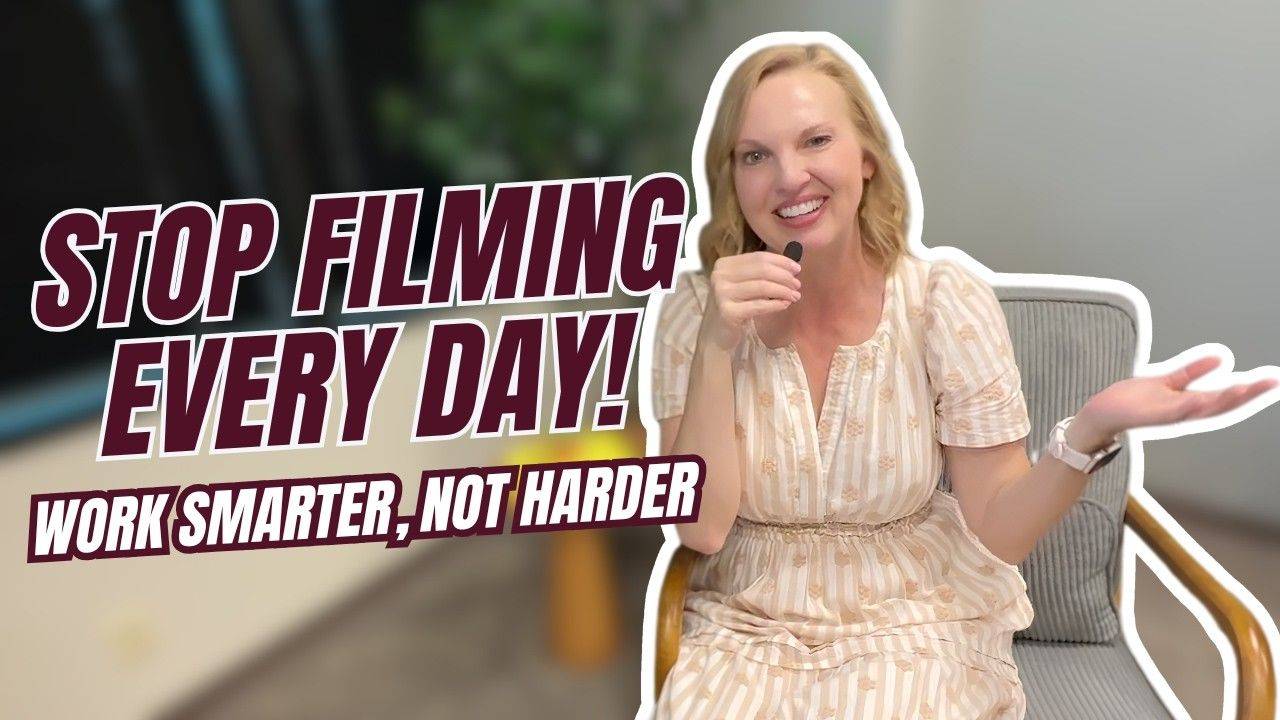
Creating videos in today's digital landscape can feel completely overwhelming. From YouTube and Facebook to Instagram Reels and Stories, there are so many places to think about putting your content.
Hey there, I'm Jennie Wolek, and I have been in real estate in Tulsa, Oklahoma, for 25 years. I started experimenting heavily with video back in 2014, and after a lot of practice (and a whole lot of messing up!), I have developed a simple, scalable system.
If you are struggling to keep up with content creation, here is my step-by-step guide on how I make videos for today's world without burning out.
Why I Ditched the Script
Nowadays, I attempt to not use a script. The truth is, reading a script often makes your delivery come across as too robotic. I have found it is much better to just be real and talk directly to your audience.
There is one exception: If I have a lot of data or specific details to share, using a teleprompter is perfectly fine. For those, I will shoot on my computer or use a teleprompter app directly on my phone to keep my talking points straight.
My Simple 3-Part Video Formula
I do not overcomplicate my content. Every time I sit down to record for my local database or community, I follow this exact structure:
The Hook: I first have a hook—a statement or question to grab attention so somebody would actually want to watch.
Three Main Points: Next, I usually have three points that I want to cover, which makes it easy for me to remember my talking points.
Call to Action (CTA): Finally, I wrap up with some kind of a call to action or a question just to get some engagement.
For example, I recently made a video about real estate contingencies. I opened with a hook about contingencies coming back to our market, shared three points covering market conditions and pros/cons for buyers and sellers, and ended by asking viewers if they had ever bought and sold a home at the same time.
Shoot Horizontal, Repurpose Vertical
This is my ultimate hack for scaling my content.
When I record my longer videos, I shoot them horizontally in my office using a mic, lights, and a tripod. I intentionally frame myself far enough back from the camera so the footage can be easily cropped later.
Once the long-form video is done for YouTube, I share it with our amazing virtual assistant. They edit the video, cut it up into vertical clips (under three minutes long), and distribute those shorter Reels and Shorts across all platforms. Alternatively, I can drop my horizontal video into AI tools like Opus Clips to do this for me!
By following this workflow, I only need to record a few longer videos a month, and they get chopped up and reused through the month in other forms. Remember, your video doesn't have to be perfect—you just have to start!
Don't miss a beat!
New videos, events, and classes delivered to your inbox.
We hate SPAM. We will never sell your information, for any reason.